Create
Events, classes, workshops and your academy or venue page.
 SBK Connect
ES
Download
 Early access
Create, organise and promote your activity from one place, directly connected to the community that dances.
Who it's for
If you teach, DJ, organise or run a venue, Professional is your workspace inside SBK Connect.
Tools
Events, classes, workshops and your academy or venue page.
Attendees, tickets, entry and collaborators.
More visibility for your event among dancers in your area.
Understand what works and make your next event better.
Your first event
Tell us about your activity and we'll give you access to the tools.
Complete the profile of your academy, venue or brand.
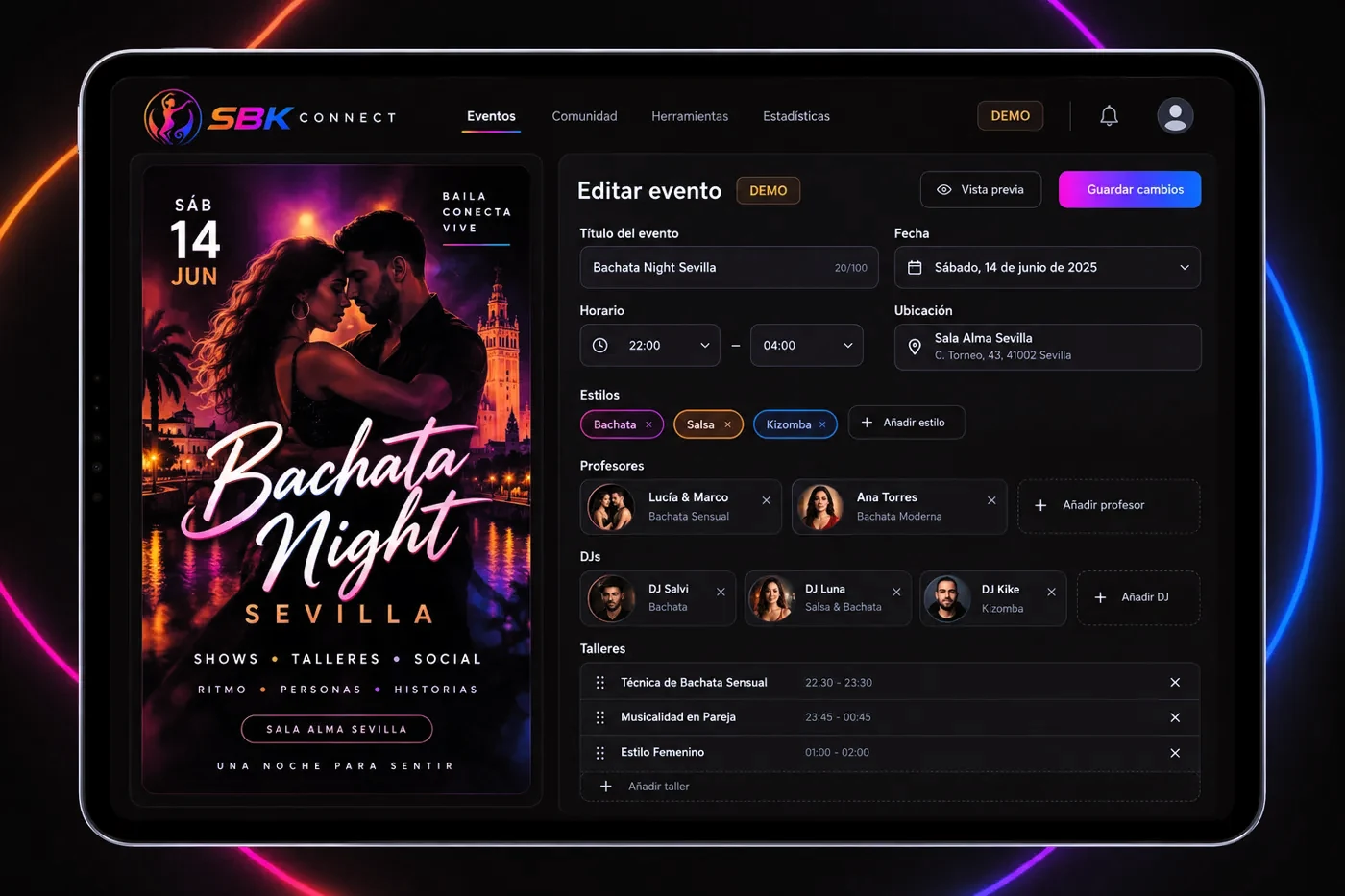
Date, venue, poster, line-up, workshops and price.
Attendees keep them with their QR on their phone.
Feature it in your area and see how the community responded.
Events and classes
Create your event with date, venue, price, artists and workshops. Upload the poster and it appears in SBK Connect for everyone looking for a plan. If something changes, it updates instantly.
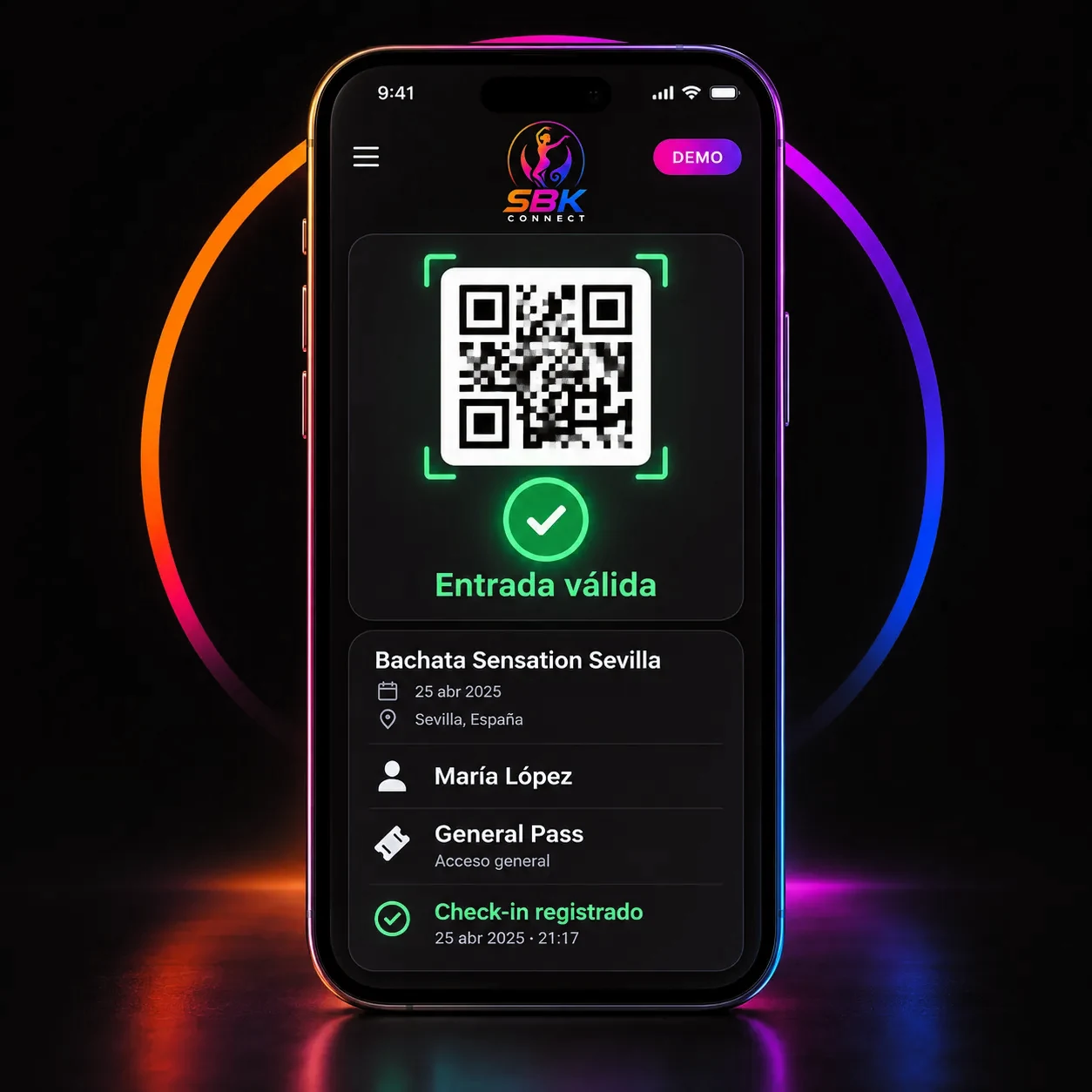
Tickets and entry
Create tickets for your event and, on the night, scan each attendee's QR from your phone. You always know who has arrived.
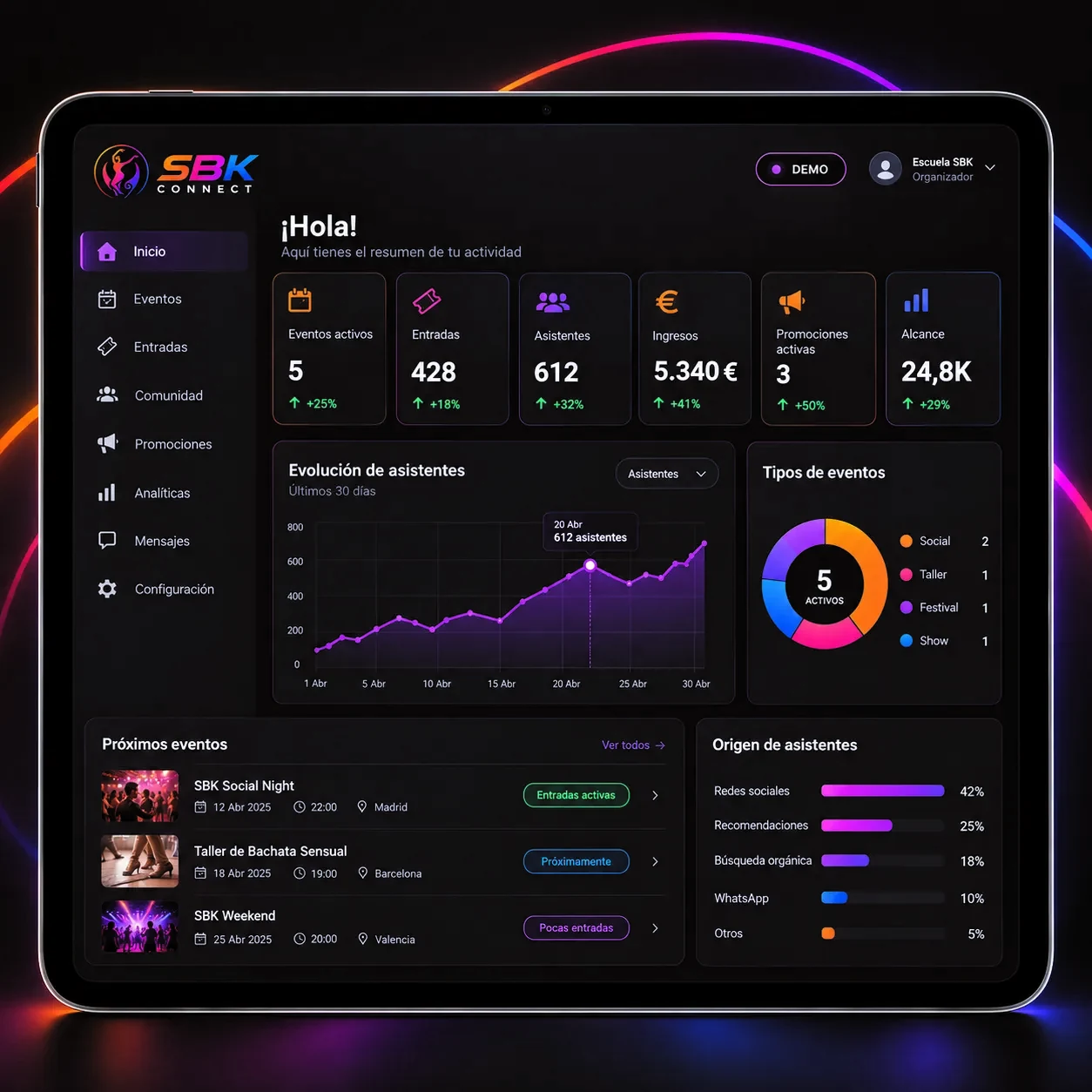
Your dashboard
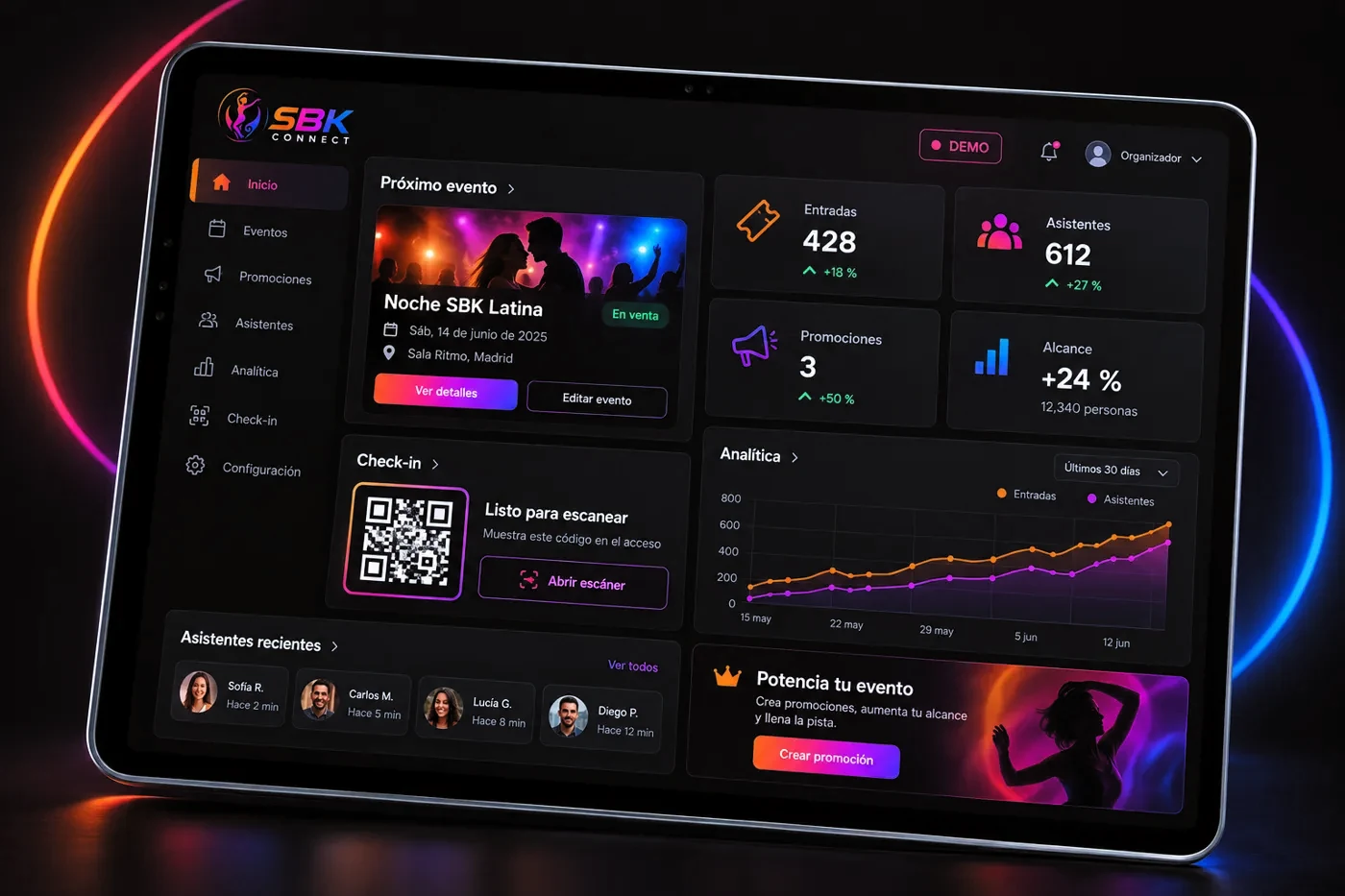
Active events, attendees, tickets and promotions in one dashboard designed to show you what's happening without wasting time.
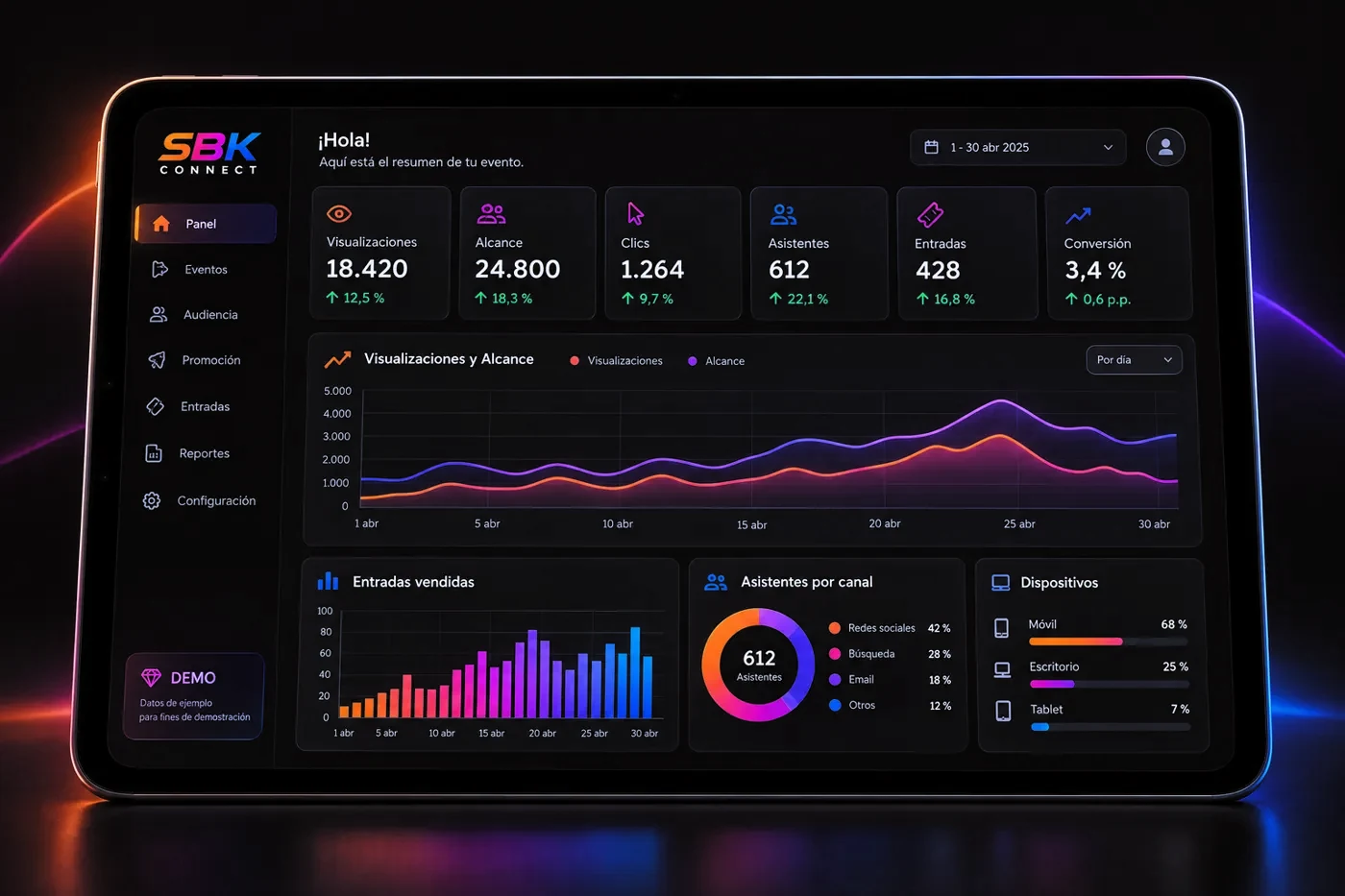
Promotion and results
Feature your event in the feed for your province, your region or the whole country, then see how many people saw it and signed up.
By activity
Classes by style and level, your teaching team, workshops and a wall for your students.
See more →Events, tickets, door control, promotion by area and results.
See more →Your professional profile, upcoming sets and followers in every city.
See more →Your weekly programme and special nights, visible to the whole scene.
See more →Good practice
Date, venue and styles must read well on a phone screen.
Times, rooms, recommended level and what the ticket includes.
Add your artists and DJs: their followers will discover your event too.
Many people choose their plans days ahead. And if something changes, update it.
More tips in the guide for professionals →
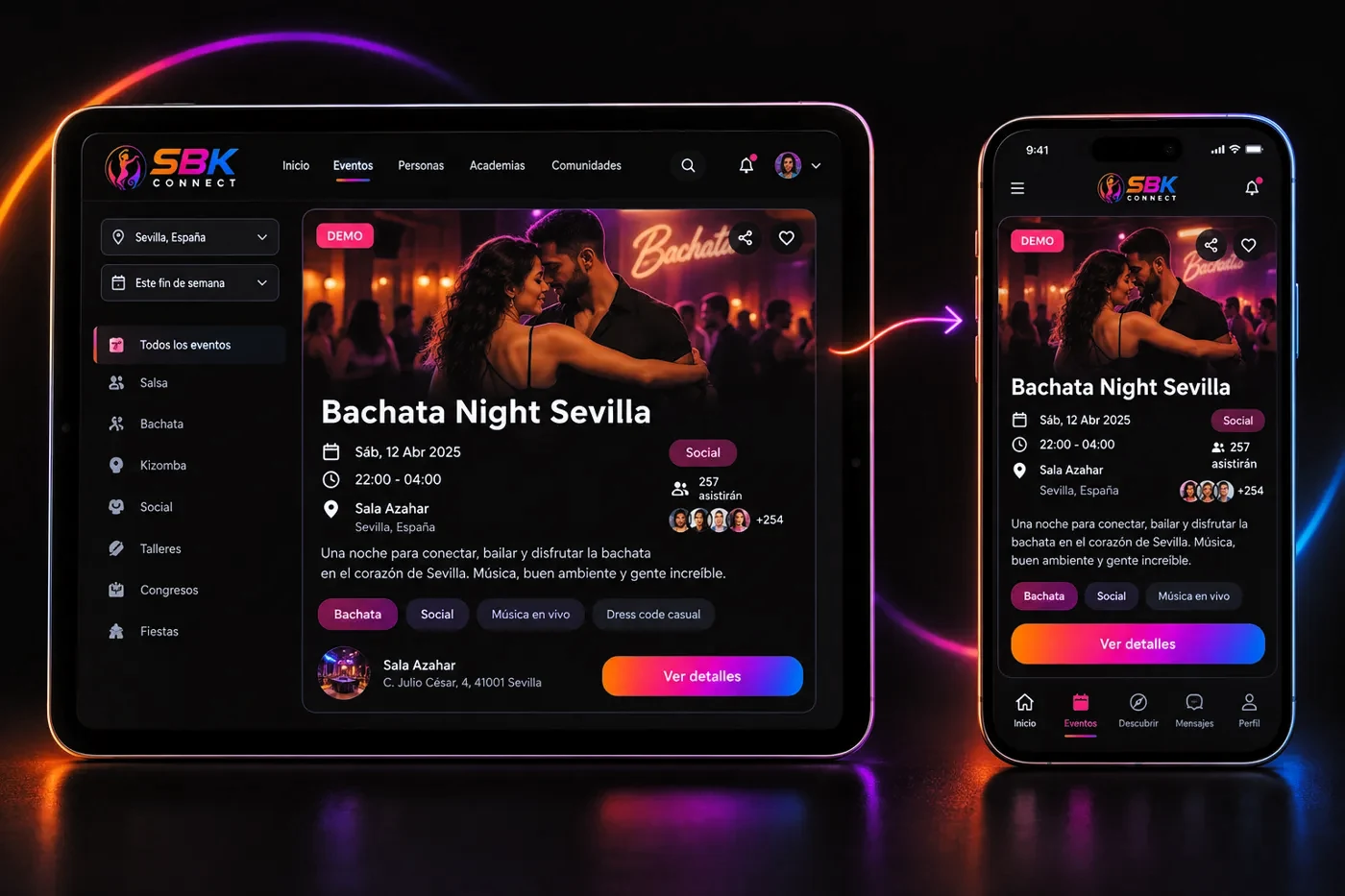
Connected to the community
Everything you publish reaches the people using SBK Connect to find where to dance. You focus on your event; the community does the rest.
Discover SBK Connect →FAQ
Professional is in early access. Write to us with your activity (academy, teacher, DJ, promoter…) and whether you use iOS or Android, and we'll tell you the next steps.
Yes. Request the professional role in the app; once approved you can publish events, claim your academy or venue, create free tickets and promote.
Yes. Professional is built for teamwork: you can bring in collaborators to manage the event and the door.
For now, free QR tickets you validate from your phone. We're working on more ticket types.
In the feed of your province, your region or the whole country, depending on who you want to reach.
Yes. Edit what you need and the change instantly reaches everyone who saved it.
It may be. If it already exists you can claim its page; if not, you can create it.
Your request starts a conversation with our team; it is not an instant download.